Calculator TI-84 Plus Support

Help resources, restore-purchase steps, and legal links for Calculator TI-84 Plus.

Overview

What We Cover

Calculator TI-84 Plus provides everyday math, scientific functions, TI-84 style interaction, calculation history, and premium tools. Use this page for support and App Store reference links.
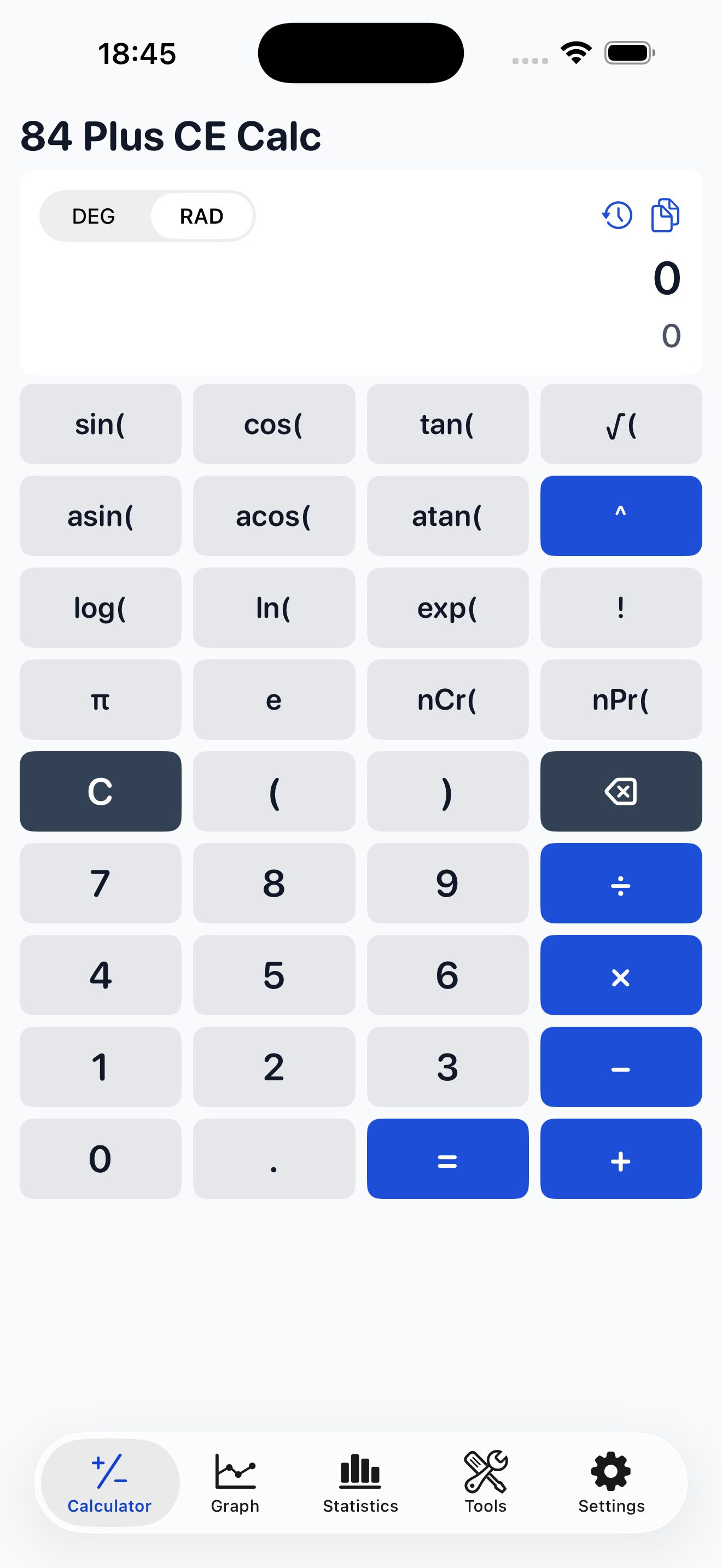
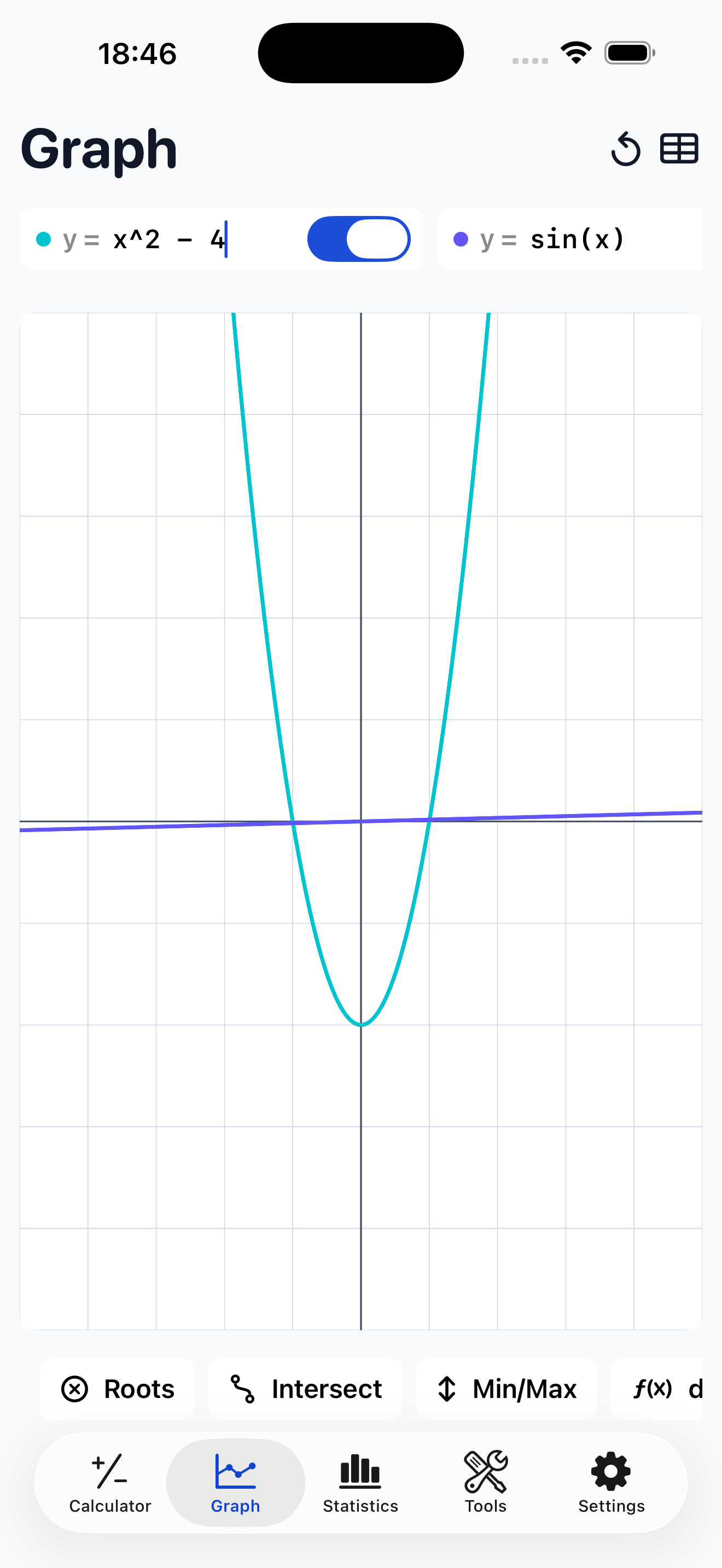
  • * Basic and advanced calculator workflows
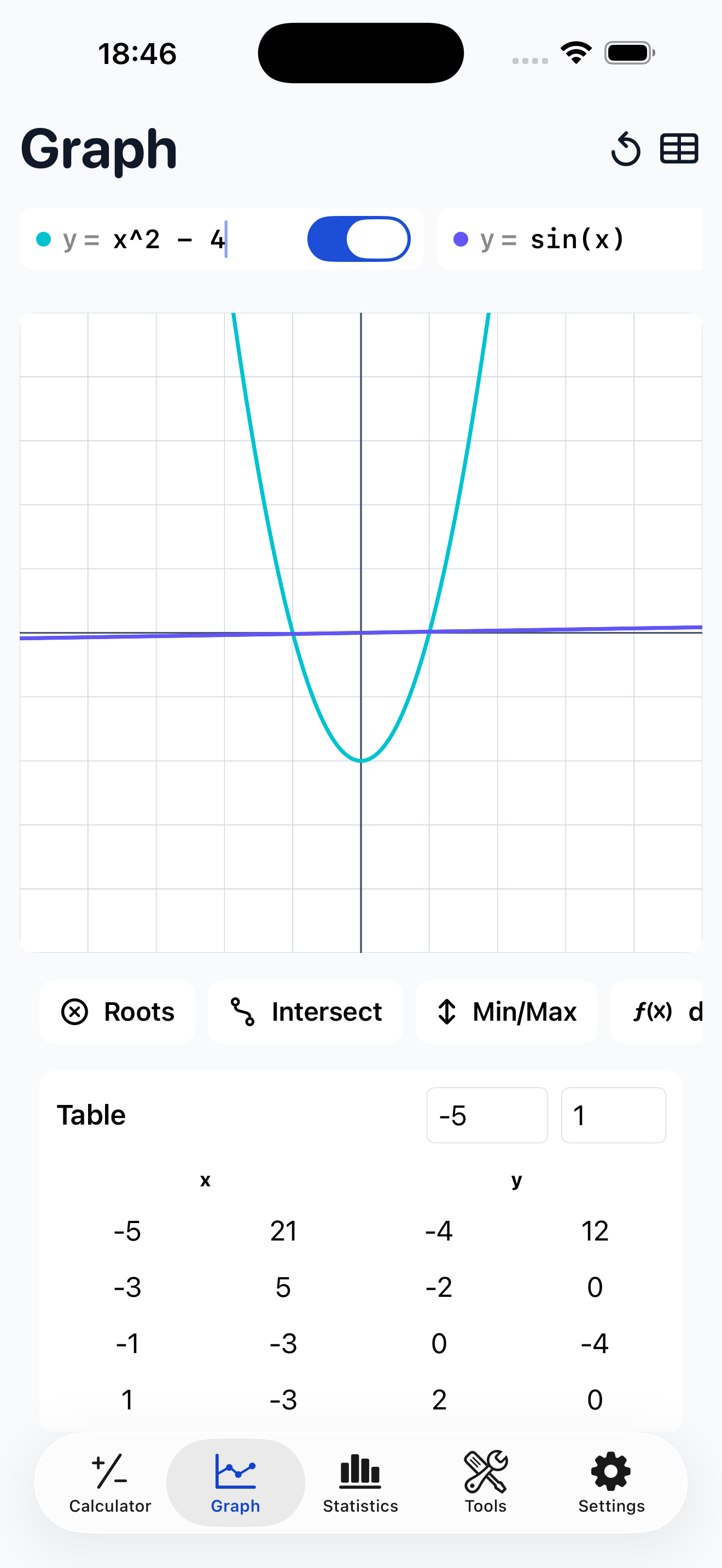
  • * TI-84 style mode and calculation history
  • * Subscription restore and billing guidance
Help & Tutorials

Quick Help

Common support topics are listed below for faster troubleshooting.

Restore Purchases

  1. Open the premium or subscription screen in Calculator TI-84 Plus.
  2. Tap Restore Purchases.
  3. Confirm with the same Apple ID used for the original purchase.

TI-84 Style Mode

  1. Switch to TI-style mode from the in-app controls.
  2. Use the available scientific and secondary actions for advanced input.
  3. Some graphing-calculator keys may be intentionally unsupported.

History

  1. Open the history area from the calculator interface.
  2. Review previous expressions and results.
  3. Clear history using in-app controls when needed.

Calculation Results

  • Use parentheses for expression grouping.
  • Check angle mode and input format before advanced calculations.
  • Verify critical academic, financial, or engineering results independently.

Privacy and Data

Calculation history is handled on device for normal app usage. Review the public Privacy Policy for details.

Contact

For technical support, purchase issues, or bug reports, email manhnt.bkit@gmail.com.

Include your device model, iOS version, and issue steps for faster help.