Quick answer
- Include device and iOS version.
- Describe the expected behavior.
- Avoid sending sensitive health information unless needed.
Send a useful support message with device details while keeping medical details private. This guide explains the practical workflow and the small details that make the reminder feel calm instead of stressful.
Send a useful support message with device details while keeping medical details private.
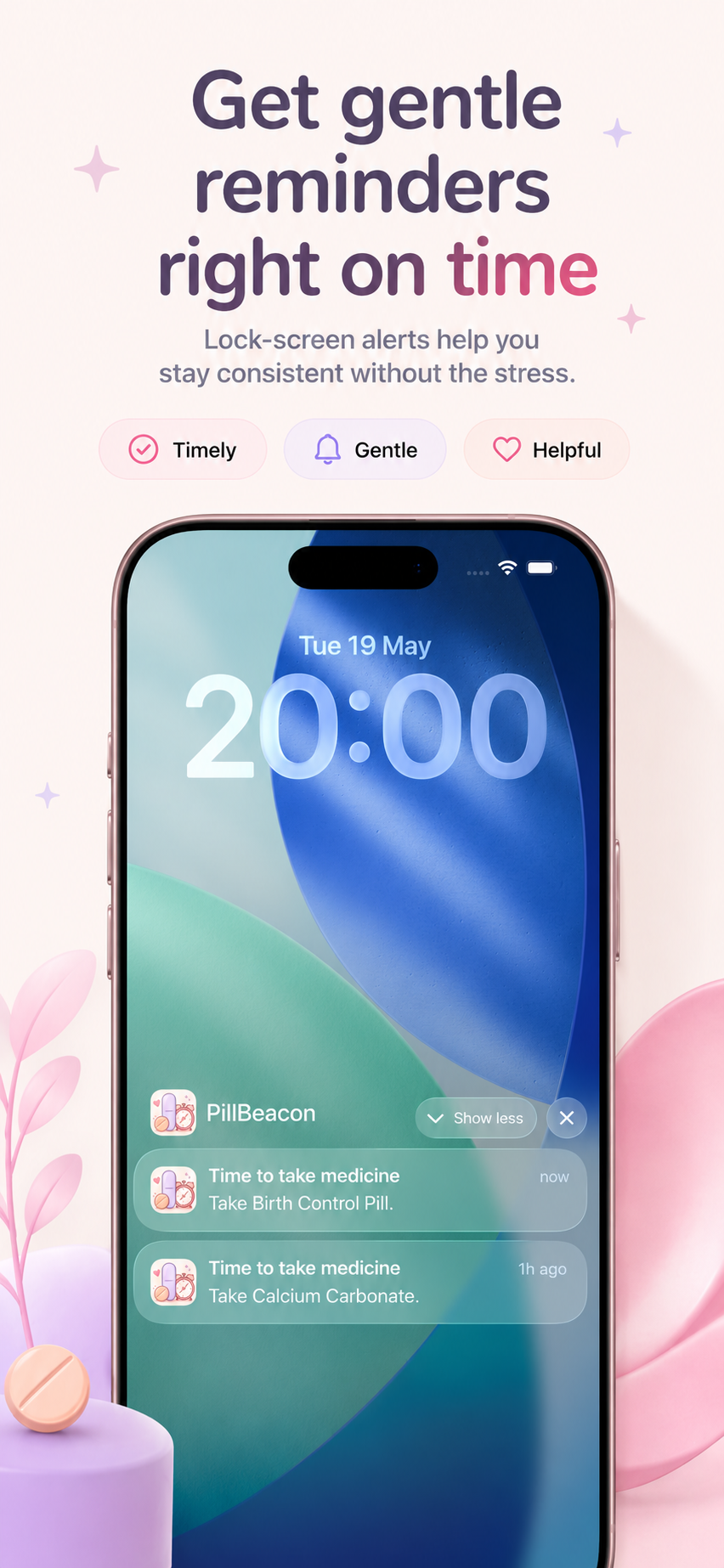
This topic matters when a user wants one less thing to remember and a simple way to confirm that care happened.
These examples map the support topic to everyday medication, vitamin, and routine tracking situations.
Example 1
Mention the reminder time, whether iOS notifications are enabled, and what appeared.
Example 2
Mention the Apple ID used for purchase only in general terms, not passwords or private account data.
Example 3
Attach a screenshot if it does not reveal private medication details.
Common mistakes
Related guides
Yes. The app language and setup flow work for vitamins, supplements, birth control, and daily medications.
Check iOS notification permission for PillBeacon, then confirm the reminder time inside the app.
Only include what is necessary to understand the app issue. Device, iOS version, and a short description are usually enough.