Restore a purchase
- Open BidMeasure.
- Open Settings or the Pro screen.
- Tap Restore Purchases.
- Use the same Apple Account used for the original purchase.
Restoration requires an internet connection and an active App Store session.
Find the quickest path for purchase recovery, saved project questions, calculator help, bug reports, and privacy requests.
Include your device model, iOS or iPadOS version, BidMeasure version, the tool you were using, and the steps that led to the problem.
Support email:
manhnt.bkit@gmail.com
Restoration requires an internet connection and an active App Store session.
Apple manages billing. On iPhone or iPad, open Settings → [your name] → Subscriptions → BidMeasure. Changes generally take effect at the end of the current billing period.
Project content is stored on your device. If you use the optional compact iCloud backup, the backup is handled through your Apple iCloud account. Export important reports or team packages before deleting the app or changing devices.
BidMeasure does not require a developer-hosted user account. For questions about local data, optional iCloud backup, or website analytics, email support with “Privacy Request” in the subject.
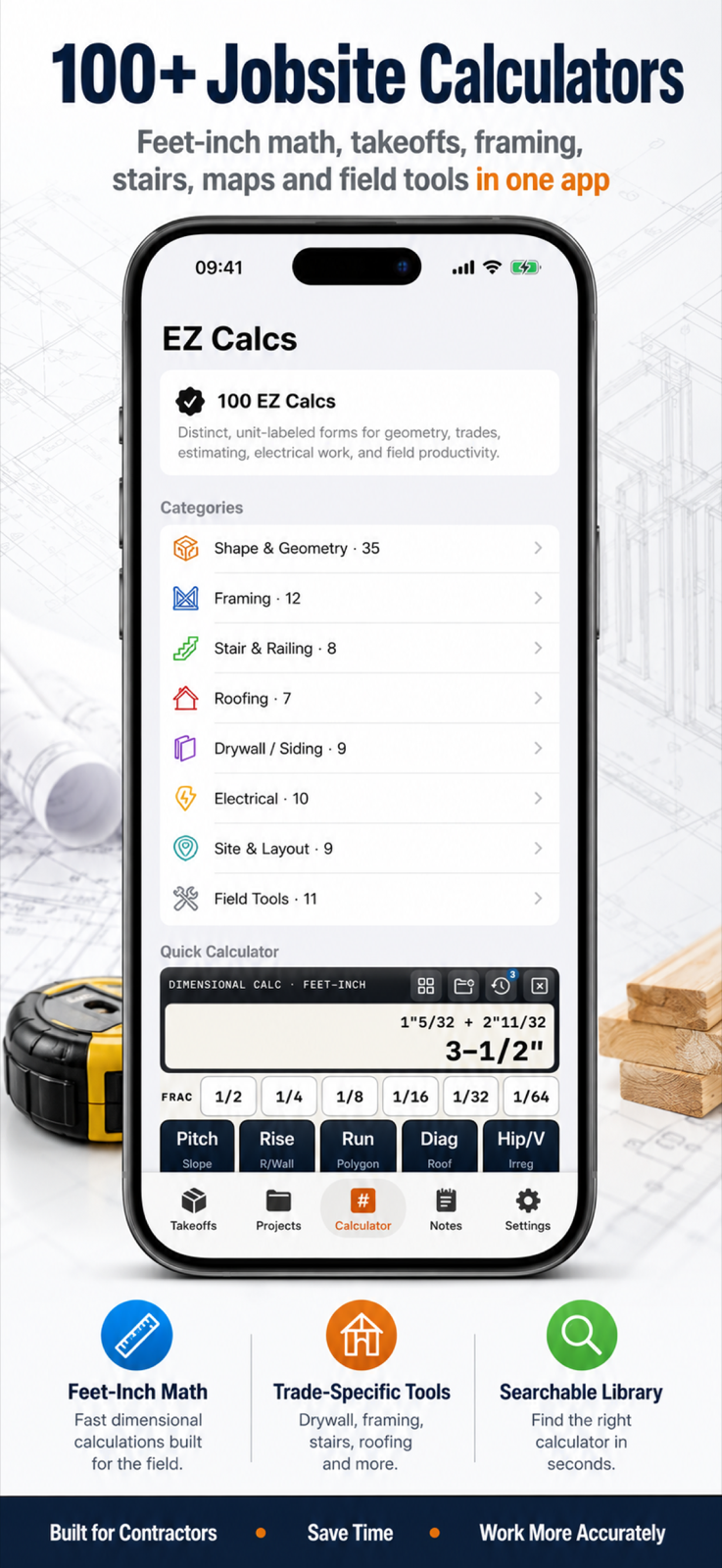
Check units, fraction precision, waste, coverage, pack-size, rounding, and pitch assumptions. BidMeasure is an estimating aid; plans, local codes, manufacturer data, and verified field measurements control.
Use Save or the project workflow from the result screen. Name the project clearly and export critical records when you need an external backup or shareable copy.
Local calculations, projects, notes, and attachments may be deleted with it. Export important data first. An optional compact iCloud backup may not contain large attachments or every workspace item.
No. Support does not have access to data stored only on your device or in your private iCloud account. Recovery depends on backups or exports you created.
Email the tool name, every input including units, expected result, actual result, app version, and a screenshot. Do not include confidential client information.
Use the public Privacy Policy and Terms of Use. This page is the public Support URL, and the BidMeasure product page is the Marketing URL.
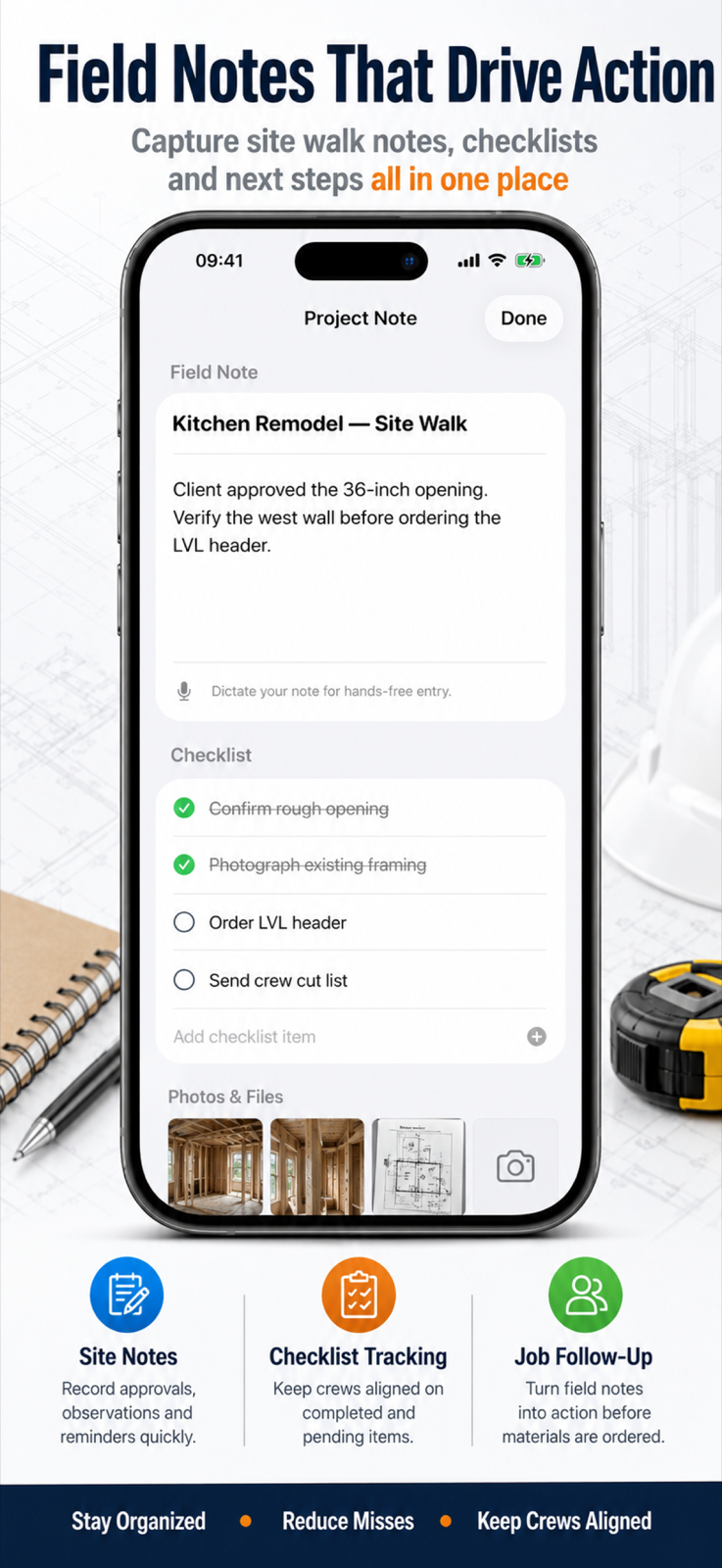
Saved notes, checklists, photos, and job records make troubleshooting easier—but remove private client details before attaching screenshots to a support email.