Feet, inches & fractions
Add, subtract, convert and review an expression without turning every tape measurement into a decimal first.
Try fraction math →Work in feet, inches and fractions. Plan rafters and stairs, estimate concrete and drywall, and keep verified calculations with the project in Construction Pro for iPhone and iPad.
Free download with in-app Pro options. Current plans and local prices are shown before purchase.
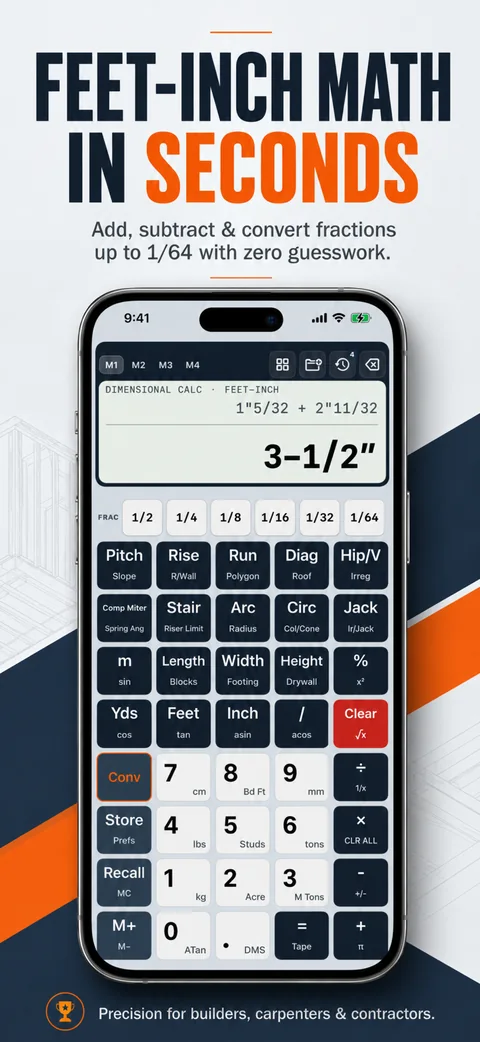
A construction keypad, dedicated trade tools and a place to keep the result.
Add, subtract, convert and review an expression without turning every tape measurement into a decimal first.
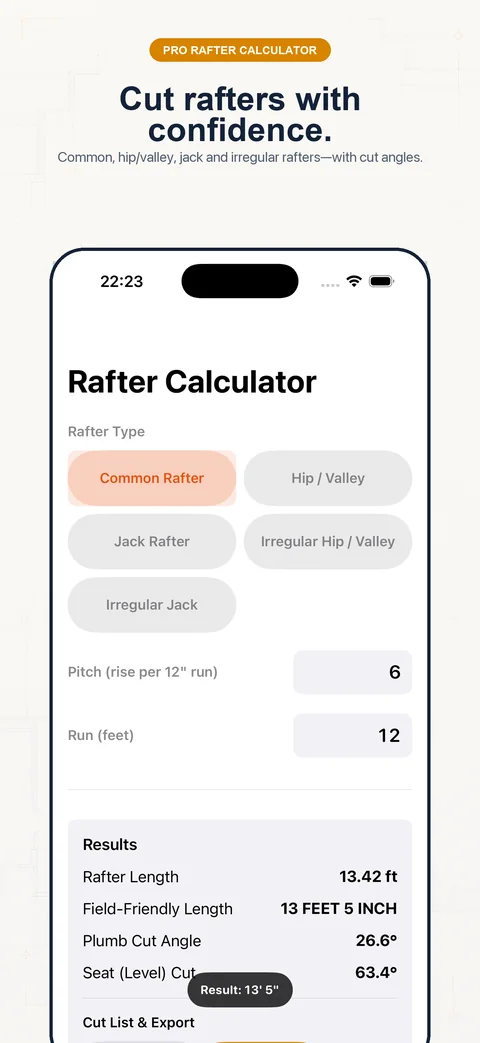
Try fraction math →Work from horizontal run and pitch to geometric length and angles. Check the framing detail before cutting.
Calculate a rafter →Review equal risers, tread count and total run from finished dimensions and your project’s limits.
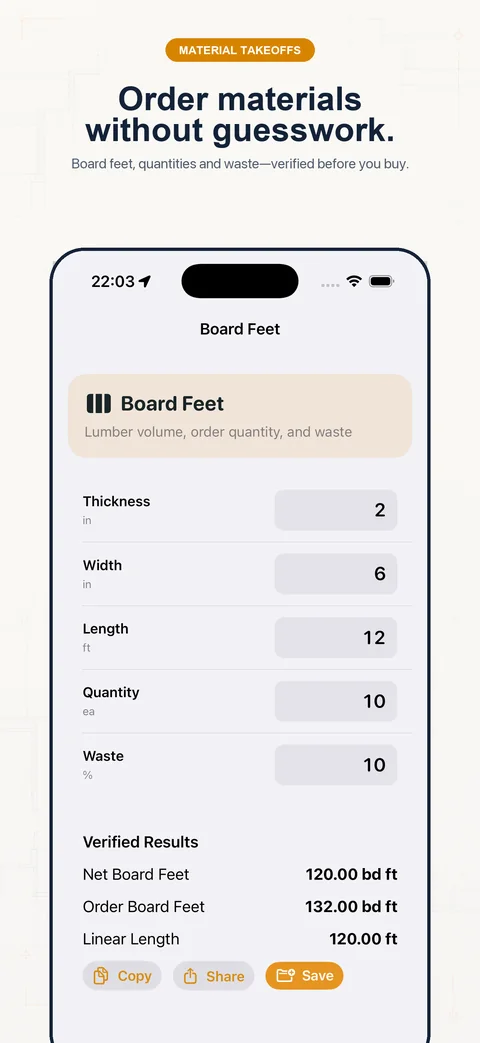
Calculate stairs →Translate measured dimensions into volume or coverage. Keep product yield, sheet size and waste visible.
Calculate concrete →Explore the app’s catalog of 100+ tools and calculation modes, including flooring, paint, framing and unit conversions.
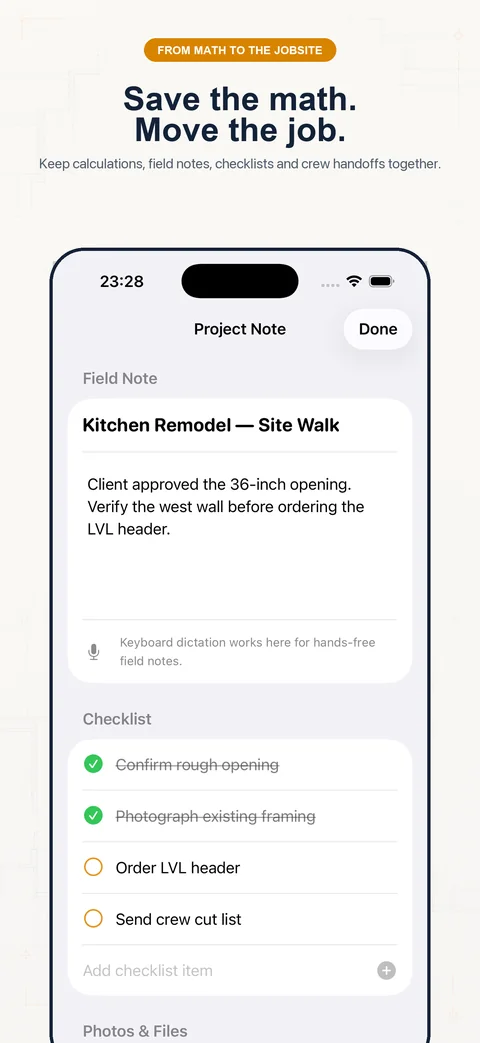
Explore app workflows →Keep verified calculations, notes and supported estimate reports attached to the job with Pro access.
See saving & sharing →Start with a known example before entering your own dimensions.
12′ 7⅜″ + 8′ 11¾″
21′ 7⅛″
Change the measurements →1.2346 yd³ before waste
At an illustrative 10% allowance and 0.60 ft³/bag yield: 62 whole bags.
See yield and formulas →13.4164 ft
Geometric slope length before ridge, overhang and connection adjustments.
See the diagram →App artwork showing the calculator, specialty tools and project workflow.
Use the free web calculators for feet and inches, stairs, rafters, right angles, roof pitch, decimal conversions and concrete without an account. Read the worked guides and download the reference worksheets.
The iOS app is free to download. Review its introductory experience and the access shown for each tool.
Specialty-tool access and saving calculations are part of Pro. The app offers monthly, yearly and lifetime purchase options; availability, local price and any trial eligibility are shown before purchase.
Subscriptions renew under the terms shown by Apple. Lifetime does not renew and does not automatically cancel an existing subscription.
Yes. Construction Pro is designed for iPhone and iPad. Check the App Store listing for the current operating-system and device requirements. Room scanning needs compatible LiDAR hardware.
The core arithmetic and local calculation tools run on your device. Apple purchases, downloads and features that use online services need a connection.
No. Calculations use the entered dimensions and settings. Verify the applicable design, local requirements, member details and field measurements before cutting or ordering.
Use Restore Purchases in the app with the Apple Account used to buy Pro. For a calculation question, include the tool, inputs with units, result and app version in a message to the developer. See the support hub.
Use feet-inch fractions, specialty trade tools and saved job calculations in Construction Pro for iPhone and iPad. Free download with in-app Pro options.