Quick answer
- Re-read every input with its unit.
- Check the labeled diagram and the scale of the answer.
- Repeat critical calculations independently before cutting or ordering.
Use labeled inputs, diagrams, history, and a repeatable sanity check to catch costly unit or geometry mistakes before material reaches the saw.
This image is from the current Construction Pro project and shows the product interface behind this guide.
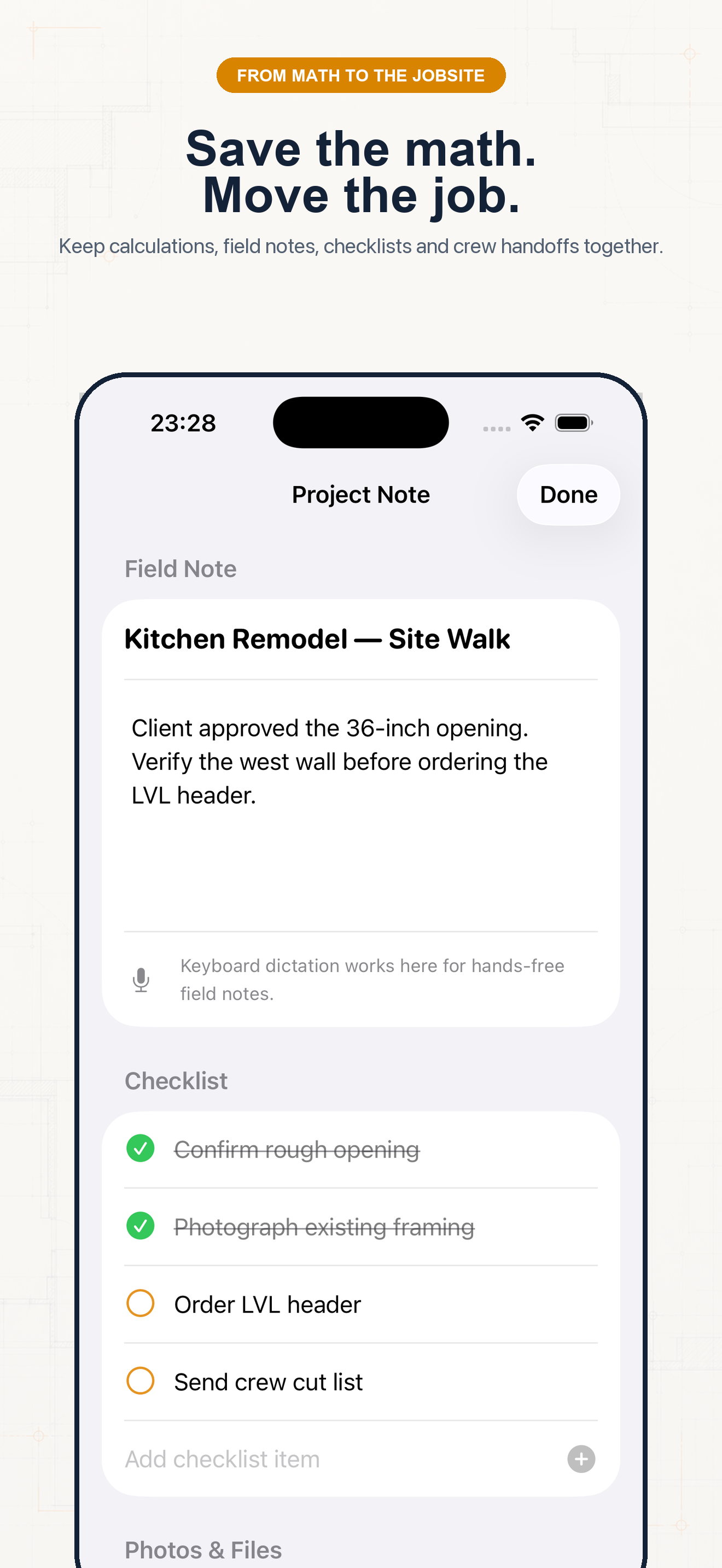
Follow the sequence and keep units visible at every handoff.
Step 1
Decide whether you need run, slope length, area, volume, or count. Similar construction terms can require different tools.
Step 2
Check half-span versus full width, inches versus feet, finished versus rough dimensions, and whether waste is already included.
Step 3
Compare the answer with a rough mental estimate. A 12-ft run cannot produce a 30-ft common rafter on an ordinary roof.
Step 4
Open the paperless tape to review the full expression. Restore an entry if an input needs editing, then save the verified result to the project.
Example 1
Verify that centered-gable run is half the span and that pitch is rise per 12.
Example 2
Confirm depth units and compare cubic yards with slab footprint.
Example 3
Confirm that the displayed count includes waste before sending the order.
Common mistakes
Related guides
No. Confirm measurements, units, assumptions, and applicable code before cutting material, ordering supplies, or issuing a quote.
No. Its calculators use explicit formulas and the inputs you provide; missing field conditions still require professional judgment.
Yes. Save verified calculations in a project and add a descriptive note so the crew can see what the result means.
Use feet-inch math, rafter tools, material estimates, and saved calculations from one construction calculator.