Quick answer
- Save the calculation to the correct project folder.
- Give it a descriptive title and record assumptions in a note.
- Share the calculation, PDF, or project note with units and waste settings intact.
Organize verified math, notes, checklists, photos, and crew handoffs by project so assumptions stay attached to the result.
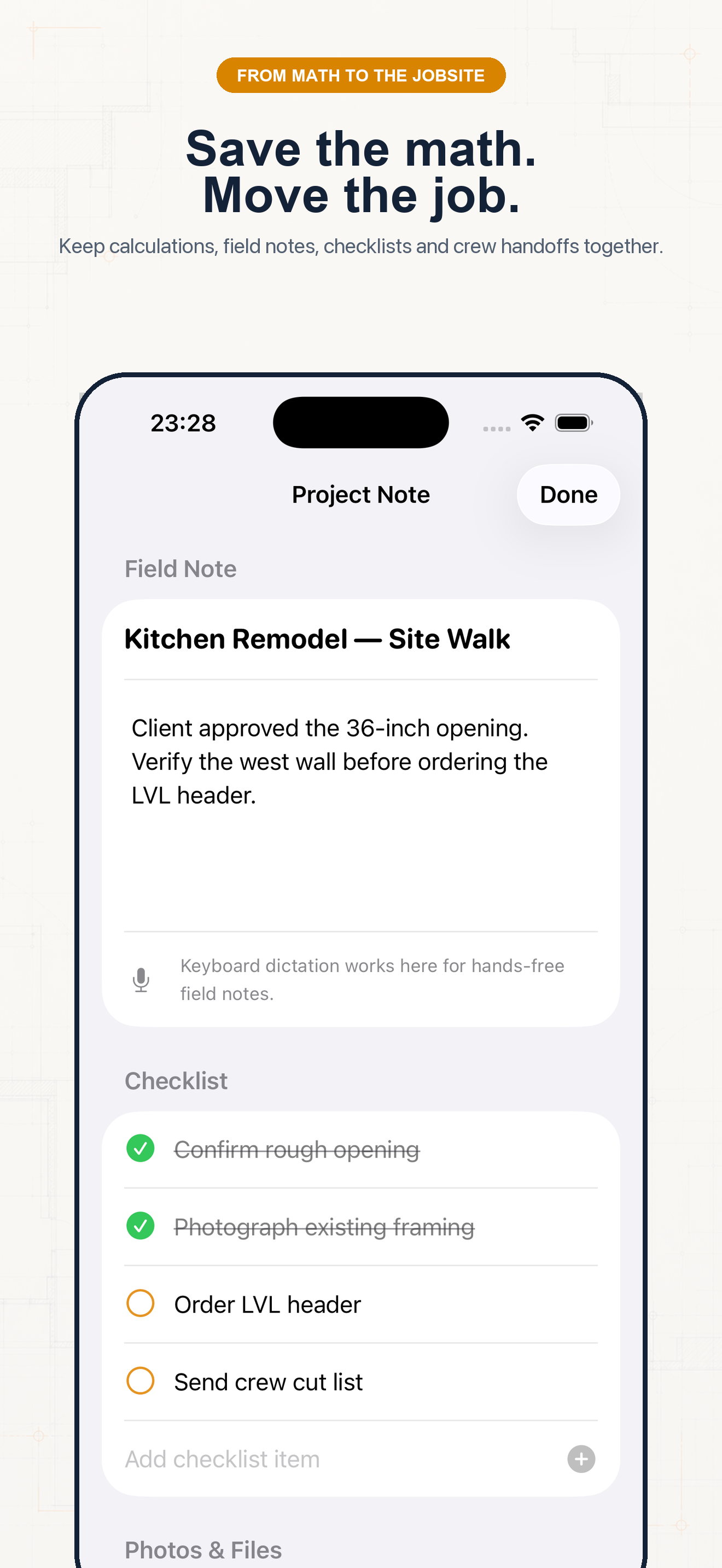
This image is from the current Construction Pro project and shows the product interface behind this guide.
Follow the sequence and keep units visible at every handoff.
Step 1
Open Saved and use a folder for the job, phase, or estimate. Clear names prevent one site’s dimensions from leaking into another.
Step 2
From the calculator or specialty tool, save the expression and result after checking units.
Step 3
Record what was measured, finish assumptions, waste percentage, supplier yield, and who verified the value. Add checklist items or attachments when useful.
Step 4
Use the share action for result text or supported PDF reports. Tell the recipient what the number controls and whether it is ready to cut, quote, or order.
Example 1
Share rafter results with pitch, run, deductions, and verification status.
Example 2
Send the whole-unit quantity and state “includes 10% waste.”
Example 3
Keep field notes and cost assumptions with the calculation used to build the quote.
Common mistakes
Related guides
No. Confirm measurements, units, assumptions, and applicable code before cutting material, ordering supplies, or issuing a quote.
No. Its calculators use explicit formulas and the inputs you provide; missing field conditions still require professional judgment.
Yes. Save verified calculations in a project and add a descriptive note so the crew can see what the result means.
Use feet-inch math, rafter tools, material estimates, and saved calculations from one construction calculator.