Quick answer
- 10.5 ft: convert to 10'-6".
- 12.375 ft: convert to 12'-4 1/2".
- 8.375 ft: convert to 8'-4 1/2".
Decimal feet are convenient in formulas, but crews usually mark plates, forms, and cut lists in feet-inch-fractions. Construction Pro helps bridge that gap by letting you work in decimal feet and then cycle the display into a tape-friendly unit format.
This screenshot is from the framing-plan conversion recording that supports this topic.
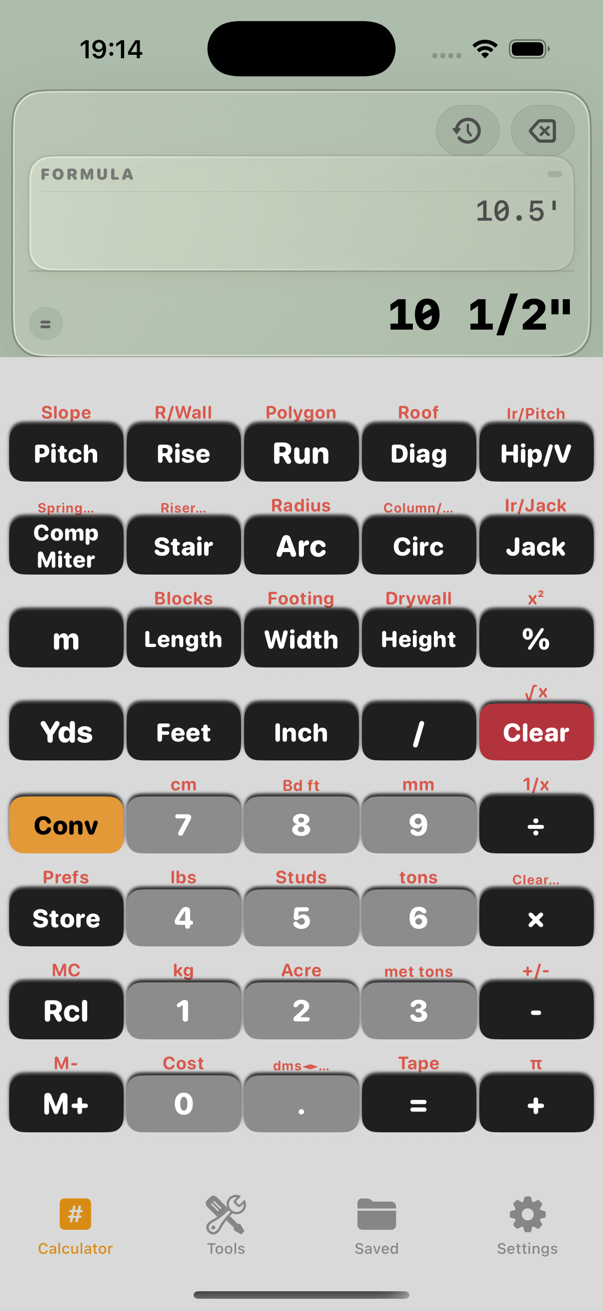
Decimal feet often show up in takeoff software, spreadsheets, and engineering notes. The crew still has to pull a tape, so the last conversion step needs to be fast and easy to trust.
These examples match the conversion behavior described in the app's Help content.
Example 1
Input: 10.5 ft.
A decimal value of 10.5 ft means 10 feet plus half of a foot. Half of a foot is 6 inches, so the practical layout mark is 10'-6". This is the kind of conversion that should take one glance, not a scratch pad.
Example 2
Input: 12.375 ft.
The decimal portion 0.375 ft converts to 4.5 in, which is 4 1/2 in. So the tape-friendly result becomes 12'-4 1/2". Construction Pro makes this transition easy when you tap the unit label to move back into a feet-inch-fraction display.
Example 3
Input: 8.375 ft.
Here the same decimal pattern applies: 0.375 ft becomes 4 1/2 in, so the result is 8'-4 1/2". It is a small example, but it shows why builders like seeing the answer in the same language as the tape.
Common mistakes
Related guides
Yes. The app includes 32nds and 64ths precision options in Settings for more detailed work.
Sometimes, especially for shop work or machine setup. On site, feet-inch-fractions are usually easier to communicate.
No. It also helps with forms, finish work, cabinetry, trim, and any task where decimal-foot output has to become a physical measurement.
Construction Pro lets you calculate in one unit and switch the display into the format the crew actually uses.