Quick answer
- Include device and iOS version.
- Describe the expected behavior.
- Avoid sending passwords or payment details.
Send a useful support message with device details while keeping account information private. This guide explains the practical workflow and the small details that make training feel measurable instead of vague.
Send a useful support message with device details while keeping account information private.
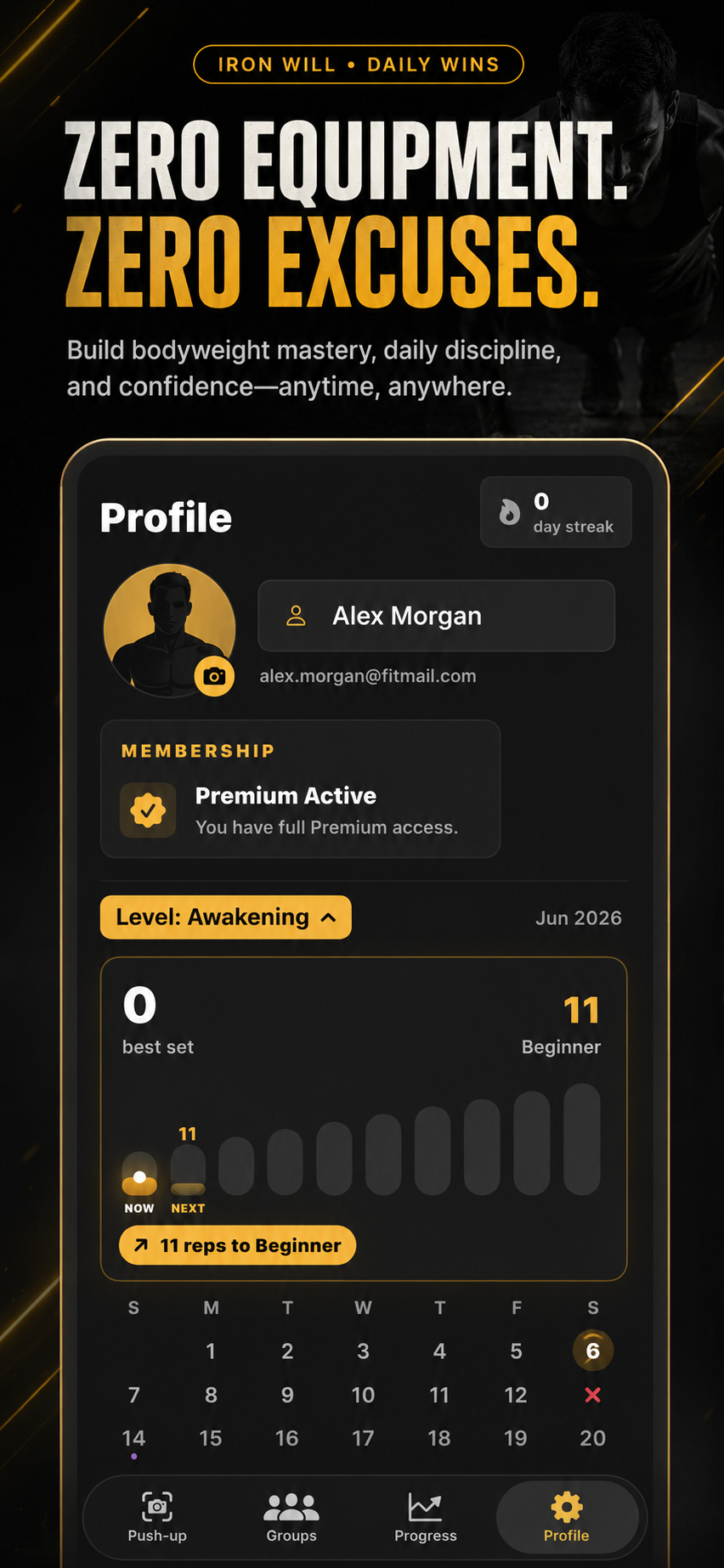
This topic matters when you want push-up progress to feel verified, social, and easy to repeat tomorrow.
These examples map the support topic to everyday push-up training, accountability, and progress tracking situations.
Example 1
Mention lighting, camera permission, and whether reps were partially detected.
Example 2
State that you used Restore Purchases and which plan you expected to recover.
Example 3
Include whether the issue happens in one group or all groups, without sharing invite codes publicly.
Common mistakes
Related guides
No. Camera frames are used for live rep detection and are not saved as workout images.
Yes. PushMax is built for anywhere push-ups with camera counting, streaks, and friend accountability.
Device model, iOS version, app version, and a short description of the issue are usually enough.