Quick answer
- Place the phone where your full upper body is visible.
- Allow camera permission when prompted.
- Keep a steady pace so each rep is detected cleanly.
Position your phone, allow camera access, and let PushMax validate every clean rep. This guide explains the practical workflow and the small details that make training feel measurable instead of vague.
Position your phone, allow camera access, and let PushMax validate every clean rep.
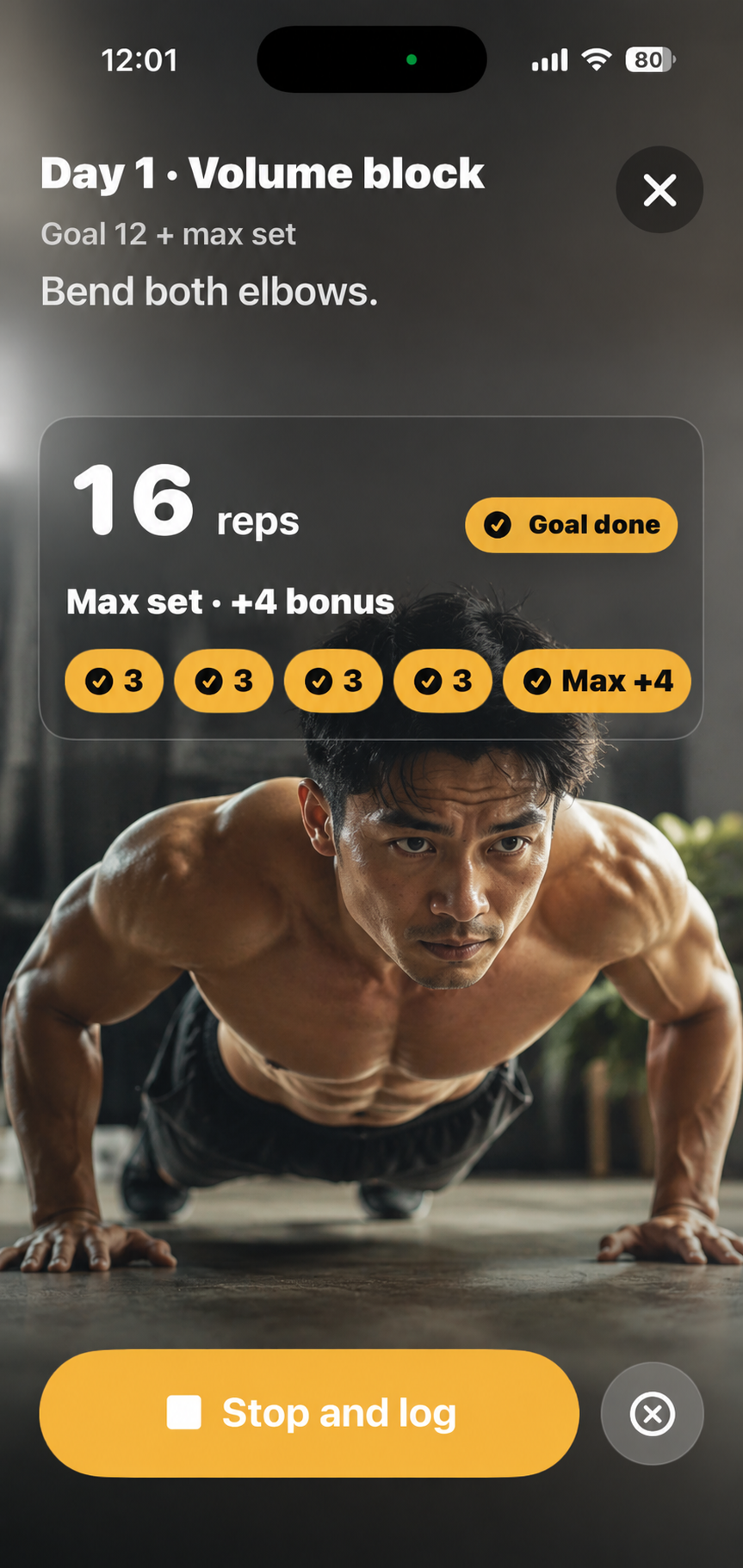
This topic matters when you want push-up progress to feel verified, social, and easy to repeat tomorrow.
These examples map the support topic to everyday push-up training, accountability, and progress tracking situations.
Example 1
Do one test rep during onboarding so the counter can confirm your angle.
Example 2
Open the camera counter after your set and let reps auto-log when form is valid.
Example 3
Move to brighter light or adjust angle so shoulders and torso stay visible.
Common mistakes
Related guides
No. Camera frames are used for live rep detection and are not saved as workout images.
Yes. PushMax is built for anywhere push-ups with camera counting, streaks, and friend accountability.
Device model, iOS version, app version, and a short description of the issue are usually enough.