Need support?
For troubleshooting, bug reports, or purchase questions, email manhnt.bkit@gmail.com. Include your device, iOS version, and what you expected to happen.
Use this support hub for AI camera counting, streaks, groups, challenges, widgets, privacy, purchase recovery, and everyday PushMax questions.
This screen shows the core routine support pages refer to: camera counting, streak status, and the next challenge action.
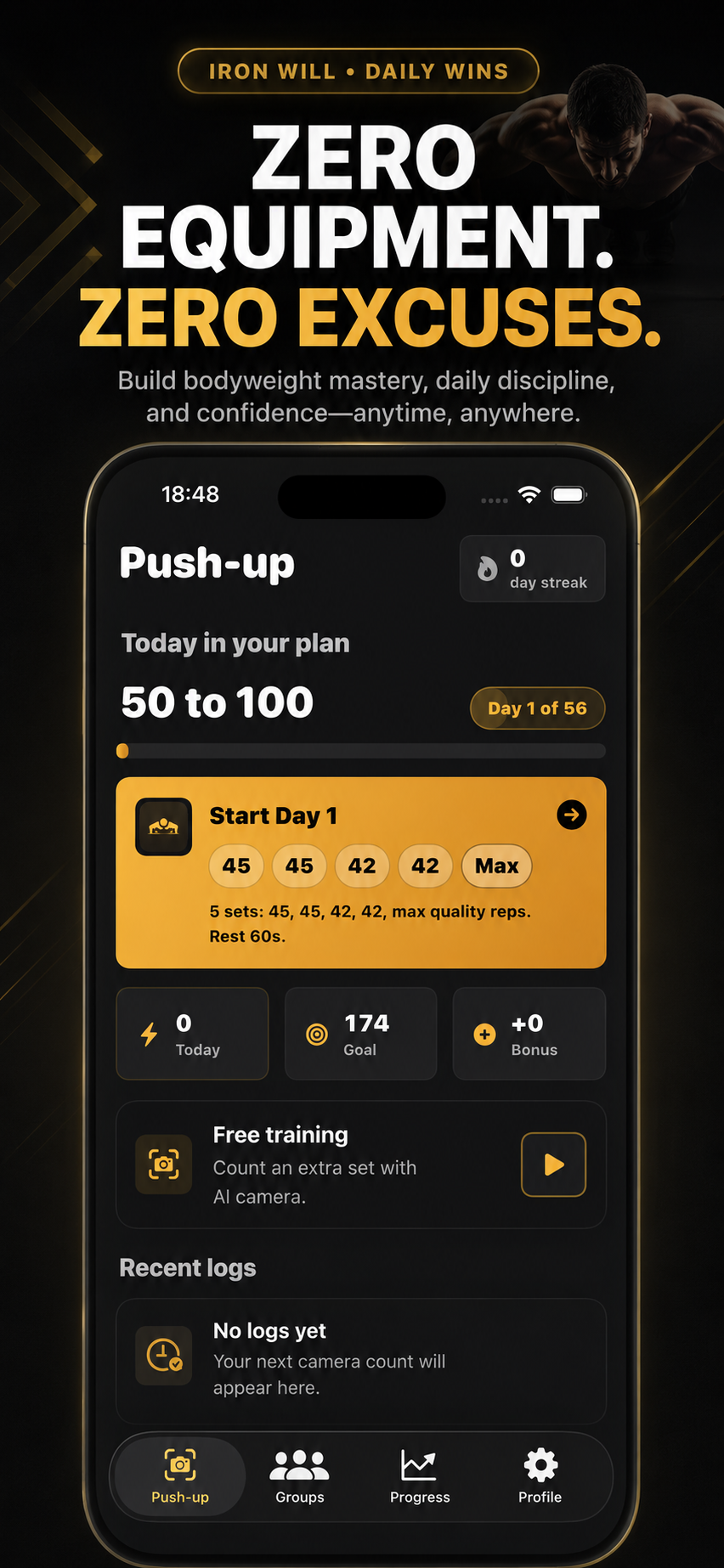
This page keeps routine support steps available while pointing visitors to deeper guides for counting, streaks, groups, widgets, privacy, and premium access.
For troubleshooting, bug reports, or purchase questions, email manhnt.bkit@gmail.com. Include your device, iOS version, and what you expected to happen.
Each article answers a focused question and links back into the same support, product, legal, and contact pages.
AI Counting
Position your phone, allow camera access, and let PushMax validate every clean rep.
Streaks
Log at least one set each day and use streak reminders to keep momentum without pressure.
Groups
Create or join a crew with an invite code, then compare weekly reps and streaks together.
Widgets
Add a PushMax widget so weekly reps, trends, or active challenges stay visible at a glance.
Challenges
Pick a structured climb, choose Solo or Group, and follow the daily workout and rest plan.
Reminders
Enable daily reminders and follow-up nudges so a missed day does not happen by accident.
Leaderboard
Read rank, weekly reps, and streak together so comparison feels fair and motivating.
Privacy
Understand that camera frames are used for rep detection and are not stored as workout images.
Purchases
Recover premium access with the same Apple ID used for the original subscription or lifetime purchase.
Support
Send a useful support message with device details while keeping account information private.
The support hub pairs with the public product page, privacy page, and terms page so customers and reviewers can move between details without guessing.