Quick answer
- Enter each measurement with the Feet, Inch, and fraction keys.
- Use + or − exactly as you would on a standard calculator.
- Press = and read the simplified feet-inch-fraction result.
Enter mixed construction measurements directly, calculate them without decimal conversion, and read a tape-ready simplified answer.
This image is from the current Construction Pro project and shows the product interface behind this guide.
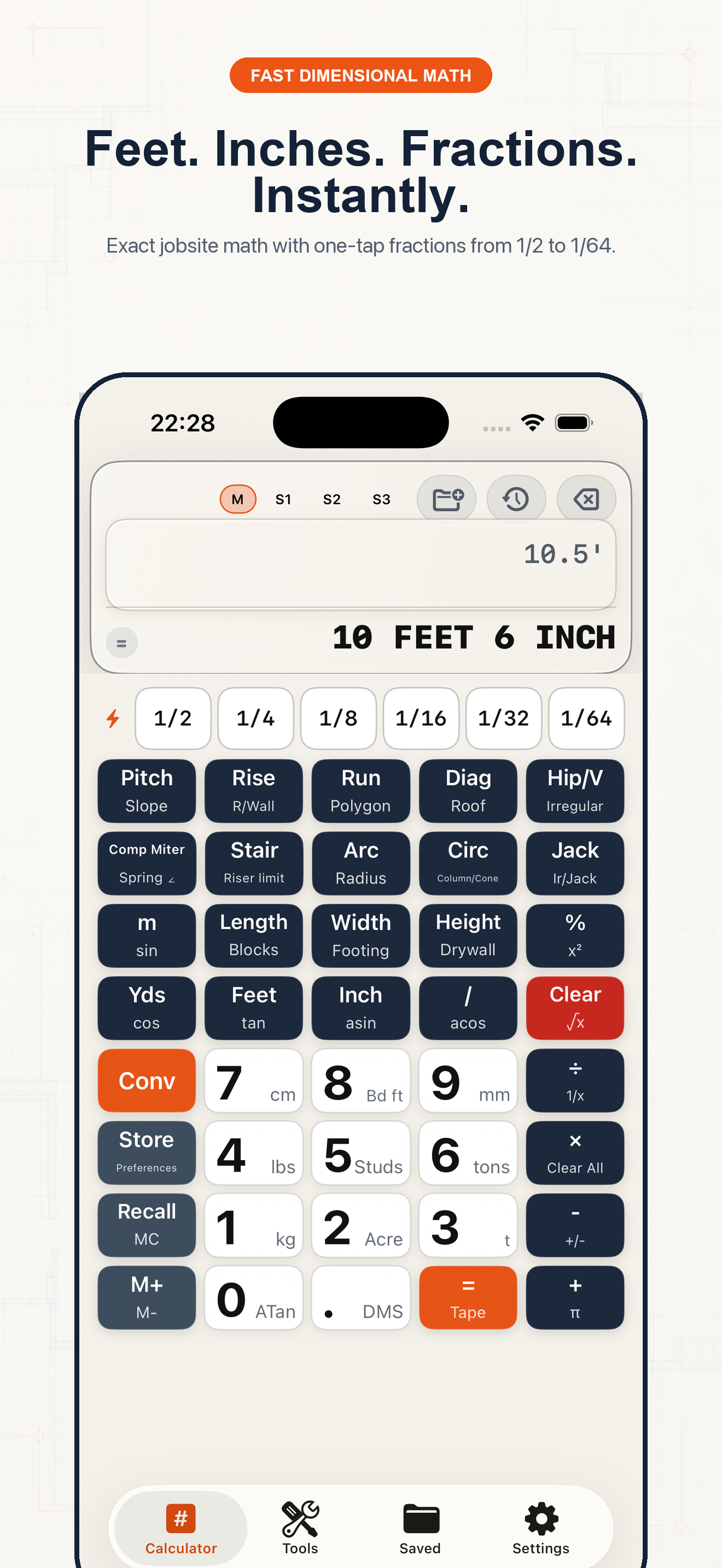
Follow the sequence and keep units visible at every handoff.
Step 1
Open Settings and choose the fraction precision used on the job: 1/8, 1/16, 1/32, or 1/64 inch. The calculator formats the final mark to that increment.
Step 2
For 12 ft 7 3/8 in, enter 12, Feet, 7, Inch, then 3 and / and 8. The unit keys preserve the meaning of every part.
Step 3
Tap + or −, enter the second measurement the same way, and press =. There is no separate conversion to decimal inches.
Step 4
For 12 ft 7 3/8 in + 5 ft 11 1/2 in, the result is 18 ft 6 7/8 in. The fraction is carried and simplified automatically.
Example 1
12 ft 7 3/8 in + 5 ft 11 1/2 in = 18 ft 6 7/8 in.
Example 2
16 ft − 9 ft 7 5/8 in = 6 ft 4 3/8 in.
Example 3
Divide a measured run by the number of equal spaces, then round only at the precision you will mark.
Common mistakes
Related guides
No. Confirm measurements, units, assumptions, and applicable code before cutting material, ordering supplies, or issuing a quote.
No. Its calculators use explicit formulas and the inputs you provide; missing field conditions still require professional judgment.
Yes. Save verified calculations in a project and add a descriptive note so the crew can see what the result means.
Use feet-inch math, rafter tools, material estimates, and saved calculations from one construction calculator.