Quick answer
- Enter slab length, width, and depth in the Concrete Takeoff tool.
- Select the bag size or yield used by your supplier.
- Add a waste allowance and order the rounded-up bag count.
Calculate slab volume, round up to actionable bag quantities, add waste, and avoid a mid-pour material shortage.
This image is from the current Construction Pro project and shows the product interface behind this guide.
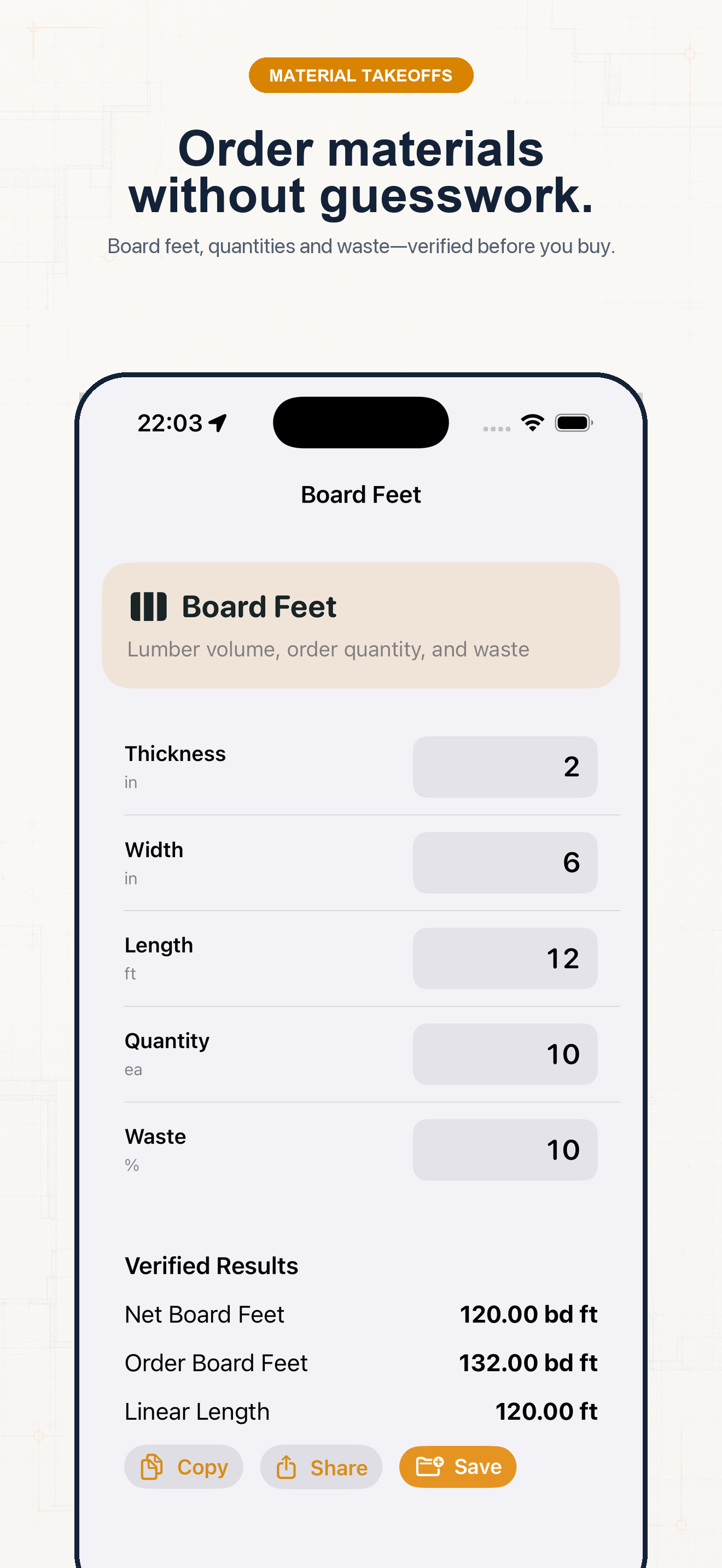
Follow the sequence and keep units visible at every handoff.
Step 1
Use actual inside dimensions and planned depth. Split irregular work into simple slabs, footings, or piers.
Step 2
Choose the matching shape and enter every dimension in the labeled unit.
Step 3
Use the yield printed on the bag or supplied by the ready-mix provider. Add a realistic waste percentage for grade variation and handling.
Step 4
Use cubic yards for ready mix and the rounded-up bag count for bagged concrete. Never order a fraction of a bag.
Example 1
A 10 ft × 10 ft × 4 in slab is about 1.23 yd³ before waste.
Example 2
Use the selected bag yield; the app converts volume to whole bags and includes the waste setting.
Example 3
Calculate each simple section, save the results, then combine the order instead of guessing one irregular volume.
Common mistakes
Related guides
No. Confirm measurements, units, assumptions, and applicable code before cutting material, ordering supplies, or issuing a quote.
No. Its calculators use explicit formulas and the inputs you provide; missing field conditions still require professional judgment.
Yes. Save verified calculations in a project and add a descriptive note so the crew can see what the result means.
Use feet-inch math, rafter tools, material estimates, and saved calculations from one construction calculator.