Quick answer
- Keep your most-used tools in Favorites.
- Enable Key Haptics and Keep Screen Awake in Settings.
- Enter two or three labeled values, then verify the unit-labeled result.
Set up Construction Pro for quick one-handed field use with stable keys, haptics, favorites, and a screen that stays awake while you measure.
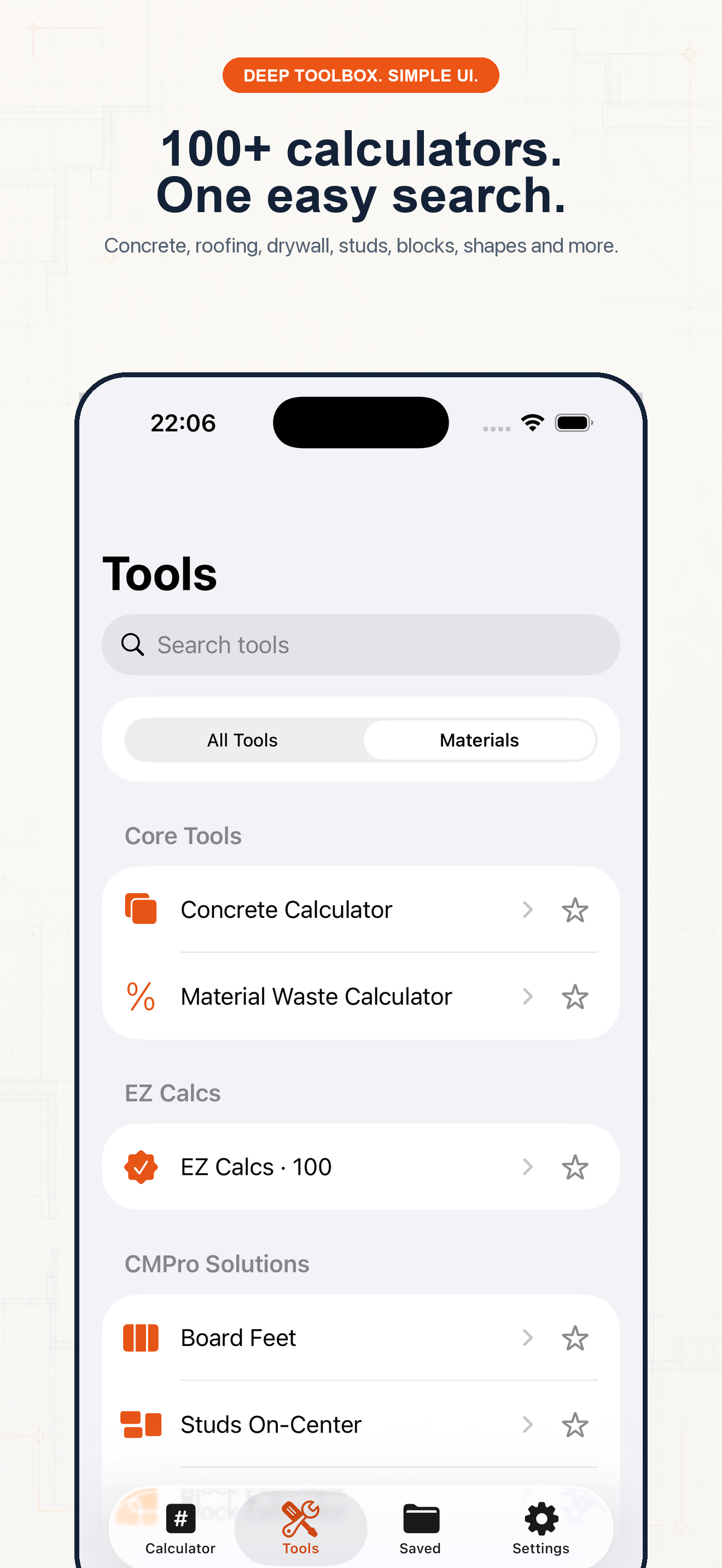
This image is from the current Construction Pro project and shows the product interface behind this guide.
Follow the sequence and keep units visible at every handoff.
Step 1
Open the needed calculator and confirm precision while both hands are free.
Step 2
In Tools, use the star control for the calculators you open most often. Favorites stay at the top of the workflow.
Step 3
Enable Key Haptics so taps are easier to confirm through gloves or jobsite distraction.
Step 4
Enable Keep Screen Awake or Job Site Mode while actively measuring. Turn it off later if battery life matters more.
Example 1
Open the rafter or roof tool before stepping onto the ladder.
Example 2
Save the result immediately so the conversation does not erase the assumption behind it.
Example 3
Use the stable calculator keypad instead of searching for the same formula each time.
Common mistakes
Related guides
No. Confirm measurements, units, assumptions, and applicable code before cutting material, ordering supplies, or issuing a quote.
No. Its calculators use explicit formulas and the inputs you provide; missing field conditions still require professional judgment.
Yes. Save verified calculations in a project and add a descriptive note so the crew can see what the result means.
Use feet-inch math, rafter tools, material estimates, and saved calculations from one construction calculator.